
 Windows
 macOS
macOS Linux
Linux Android tablets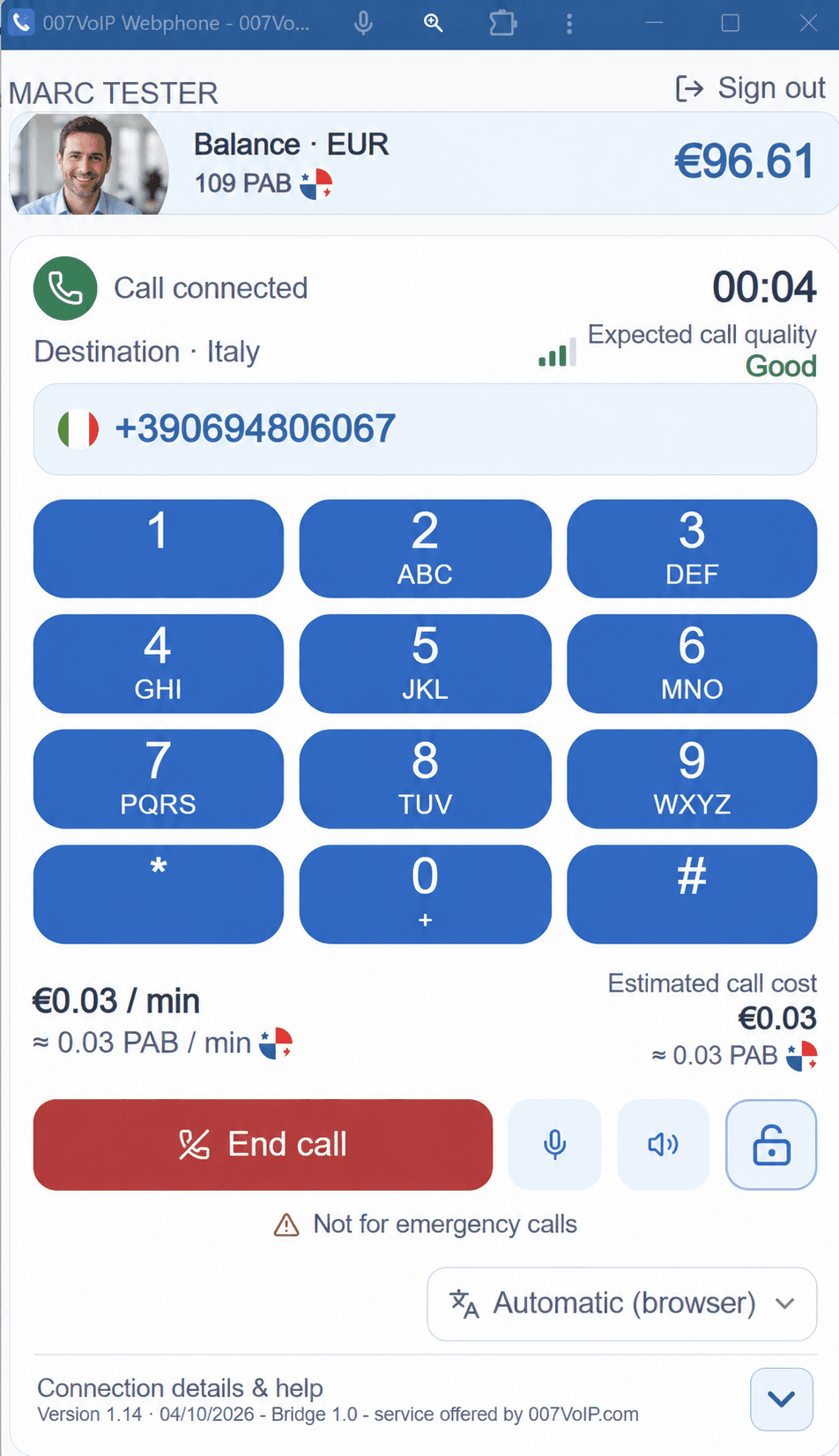
Ready. Dial. Connected.
Choose how you want to call, enter the full international destination and review its rate. Use the 007VoIP Android app on your phone, or Webphone on your computer or tablet.
Click-to-call with Webphone
Install Webphone and select it for telephone links when your browser or system offers it.
- Click a phone number
Use a compatible link with a full international number.
Example only+44 7520 •••••• - Review in Webphone
Sign in if needed, then check the full destination number.
- Press Call
The link fills the number. You choose when to start the call.
Check the calling rate before you call. If phone links aren't supported on your device, paste the number into Webphone.